

An inventory used to mean paper lists, re-keying and weeks of reconciliation. CFEC-Afrique has automated it. Each asset receives a QR tag, our teams scan it on site, and our dedicated inventory platform matches the count to your register and your accounts. You get a substantiated inventory sooner, and assets you can keep track of all year.
What we bring in addition
One QR code per asset
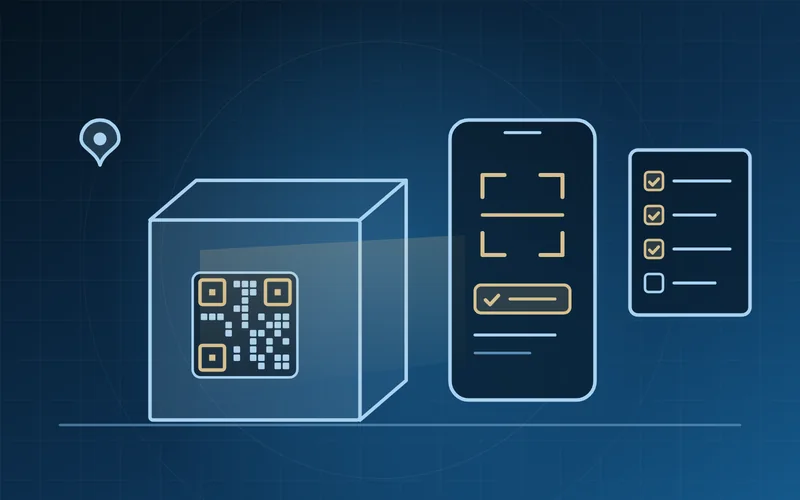
Each non-current asset receives a QR tag suited to harsh environments. One scan identifies the asset and opens its record.
A paperless process
Counting is done on a phone or tablet, including offline on remote sites. No more paper lists, no more re-keying.
AI reconciliation
Our inventory platform compares the count with the asset register and the accounts, and proposes the matches. Our teams confirm them and analyse every difference.
Asset management software
We supply the software that keeps the inventory alive: fixed asset management and property management.
And everything an inventory requires
- Physical inventory of non-current assets: a site-by-site count recording the nature, location and condition of each asset.
- Reconciliation of the physical inventory with the asset register and the accounts; analysis of every difference.
- Building or rebuilding the asset register: cost, depreciation, disposals and scrapping.
- Stocktaking: organising, carrying out or supervising year-end counts; cycle counts.
- Reconciliation of counted quantities with book stock, valuation, and identification of slow-moving, expired or damaged items.
- Inventory of the assets of projects and programmes, during funding, at closure or before a transfer.
- Inventory and asset-tracking procedures, and training of your teams.
Three sources, two reconciliations
The platform compares what is on the ground with your records, then your records with your accounts. Every difference is identified, quantified and documented.
The count
What our teams scan and identify, site by site.
Between the count and the records
- Assets found on site but missing from the register
- Assets on the register that cannot be found
- Counted quantities that differ from the stock records
The records
Your asset register and your stock records.
Between the records and the accounts
- Differences in cost or in depreciation
- Disposals and scrapping not yet recorded
- Stocks valued differently
The accounts
The balances in your books: assets, depreciation, stocks.
Our approach
Preparation
Scope, sites, timetable and counting instructions are agreed with you; existing records are loaded into the platform before the teams go on site.
Counting
Our teams tag and scan the assets, site by site; data is captured on mobile devices, including offline. A second count or test counts confirm the results.
Reconciliation
The platform matches the count to the asset register, the stock records and the accounts; every difference is explained or submitted to you for decision.
Update
The adjustments you approve are turned into entries that comply with your accounting framework; the updated register is handed over with a tracking procedure.
What you receive
- Updated asset register, asset by asset, each asset carrying its QR code.
- Stock count statements, in quantities and in values.
- Inventory report: differences, assets not found, unrecorded assets, proposed entries.
- Inventory and asset-tracking procedure.